 GymDroid

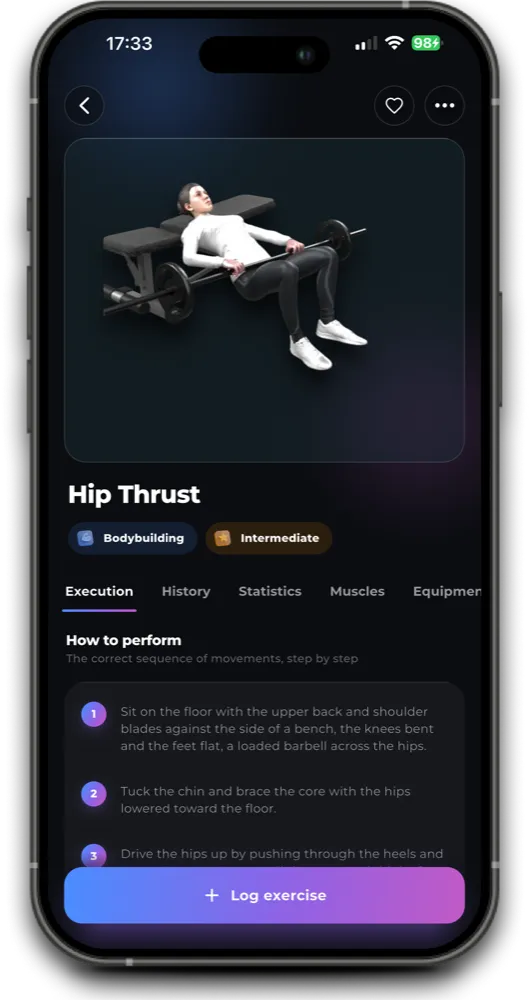
See every exercise from every angle
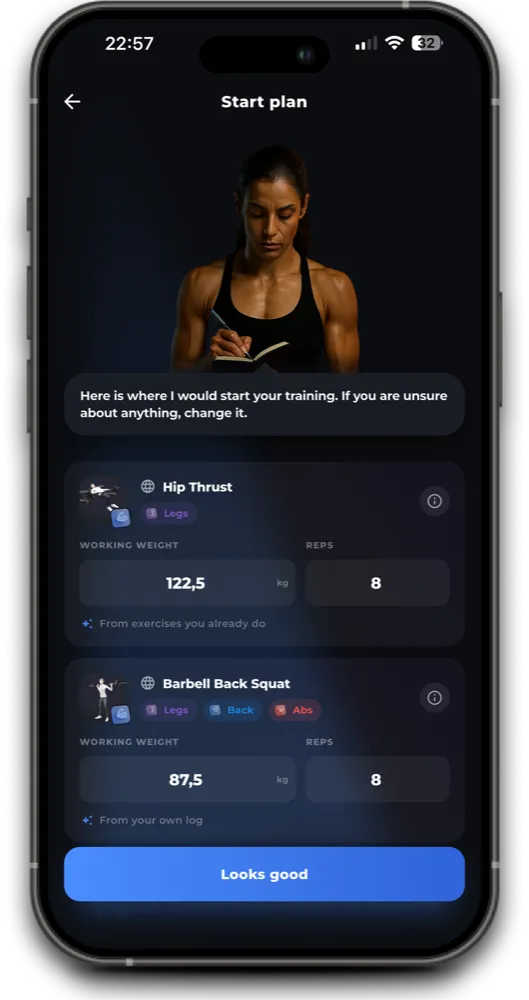
Watch each move, log your sets, and the app plans your next workout.
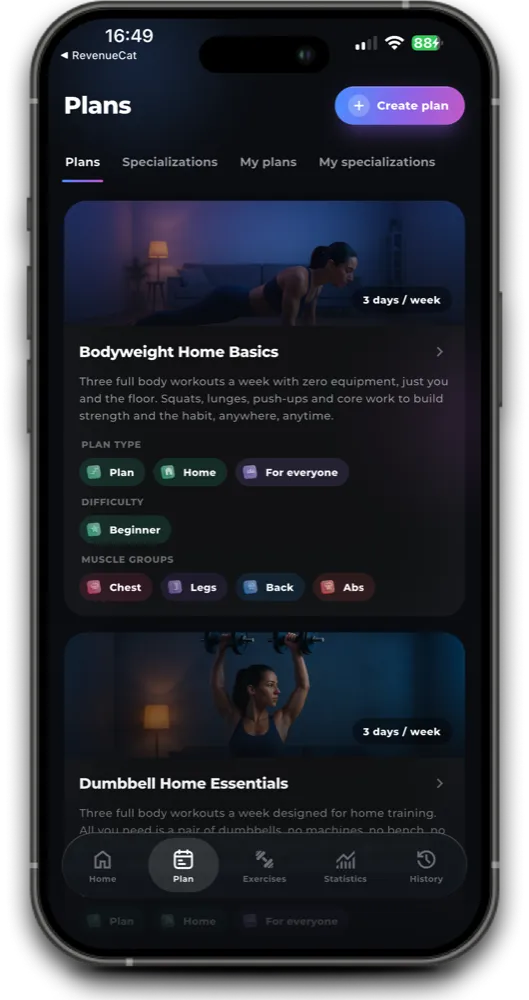
Workout plans for gym and home
Read week 1 here. The app sets every week after it.



Home
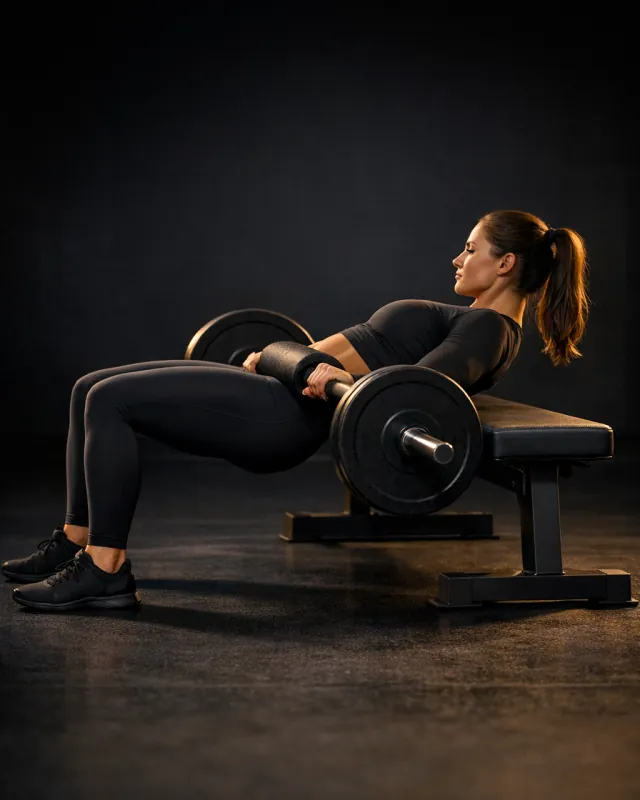
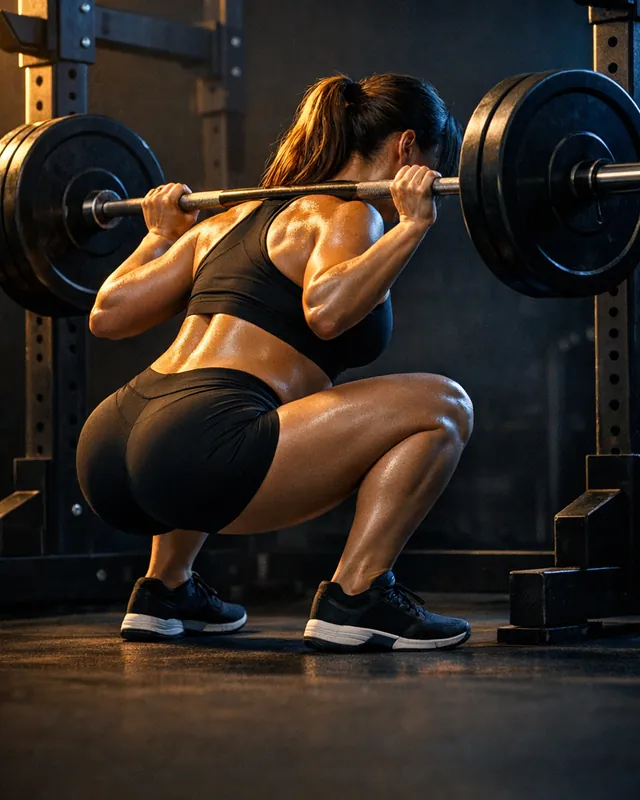
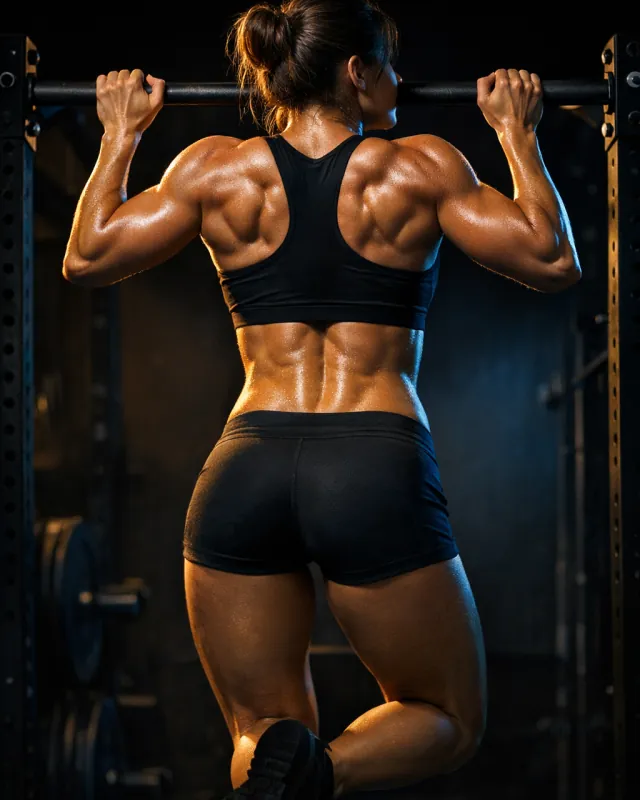




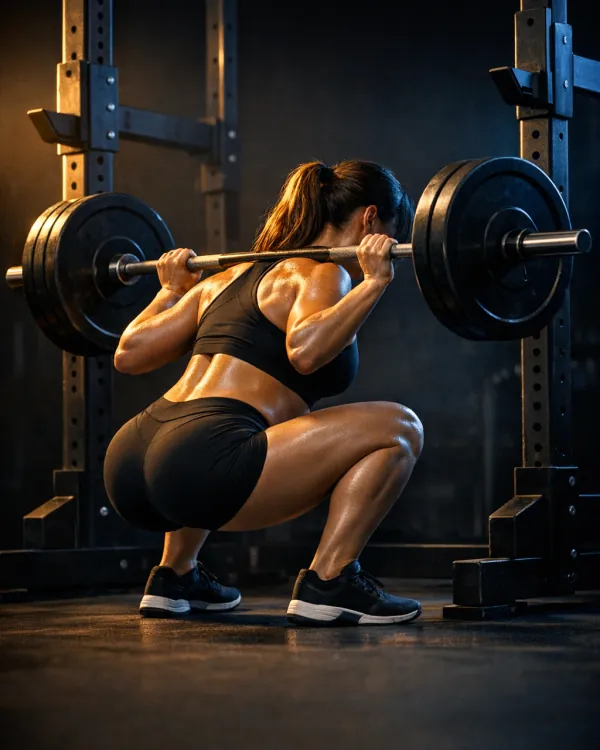
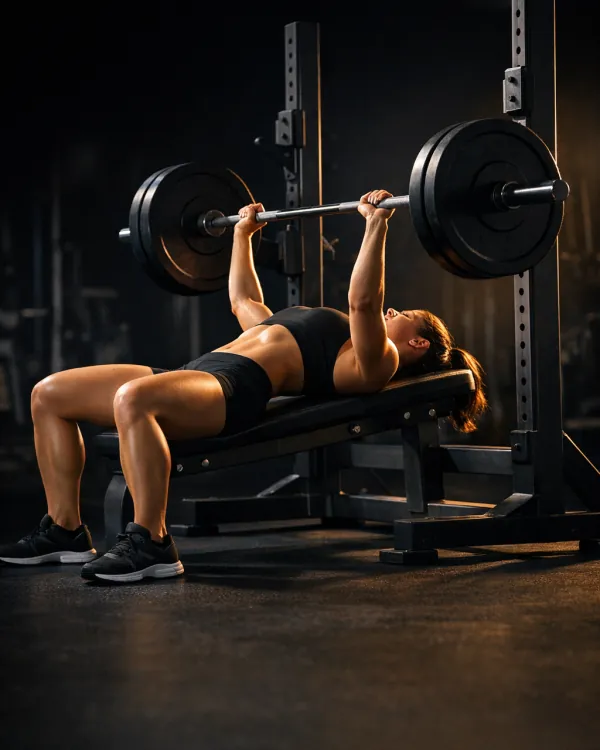
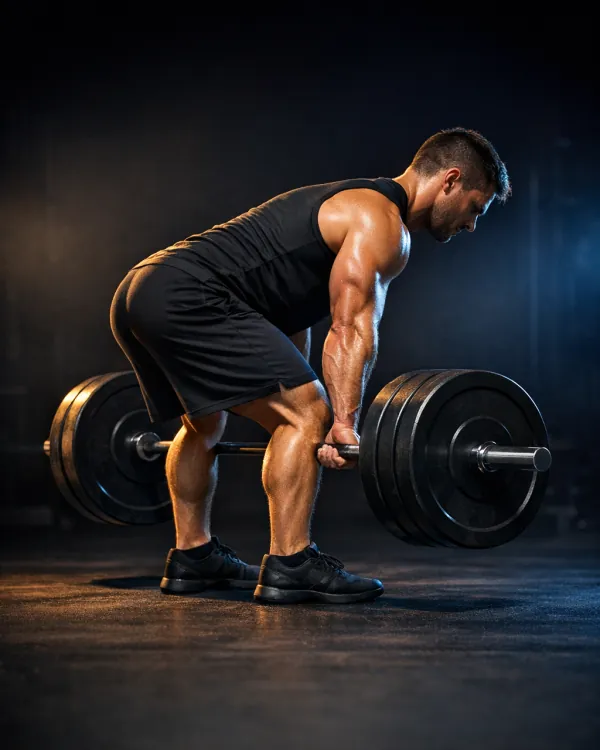
Learn the four big lifts
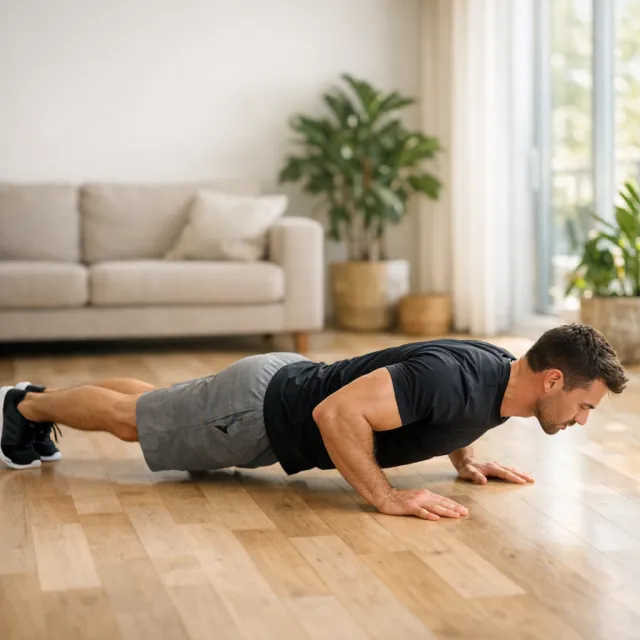
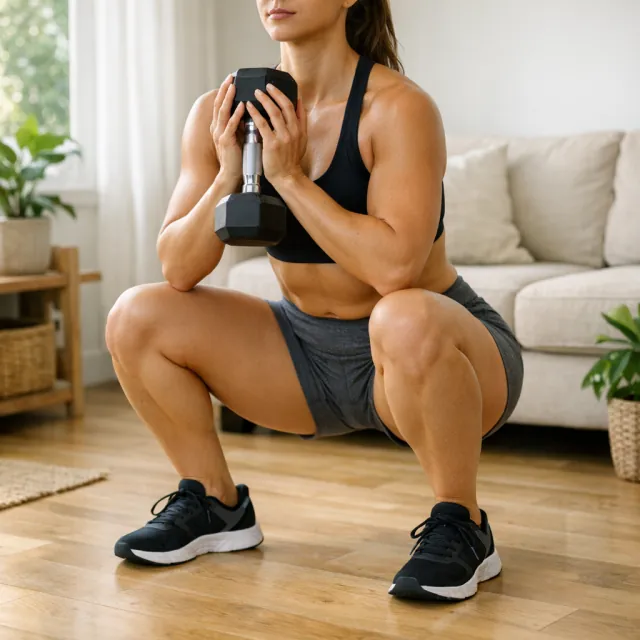
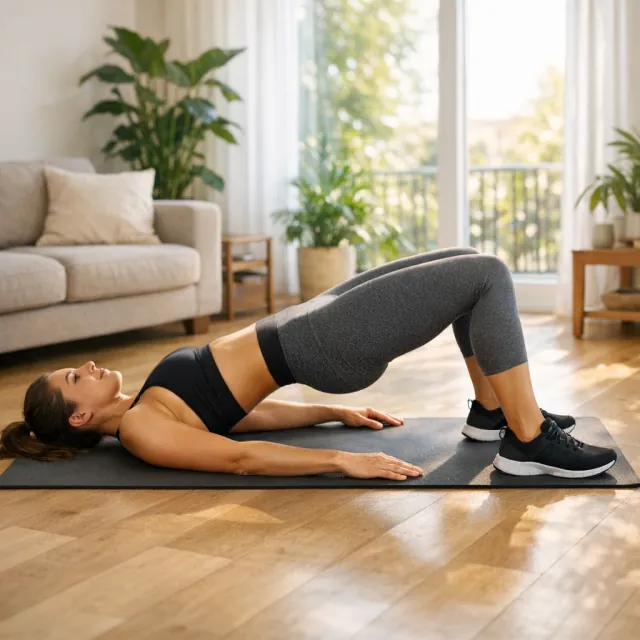
Squat, bench, deadlift and hip thrust build most of your strength.
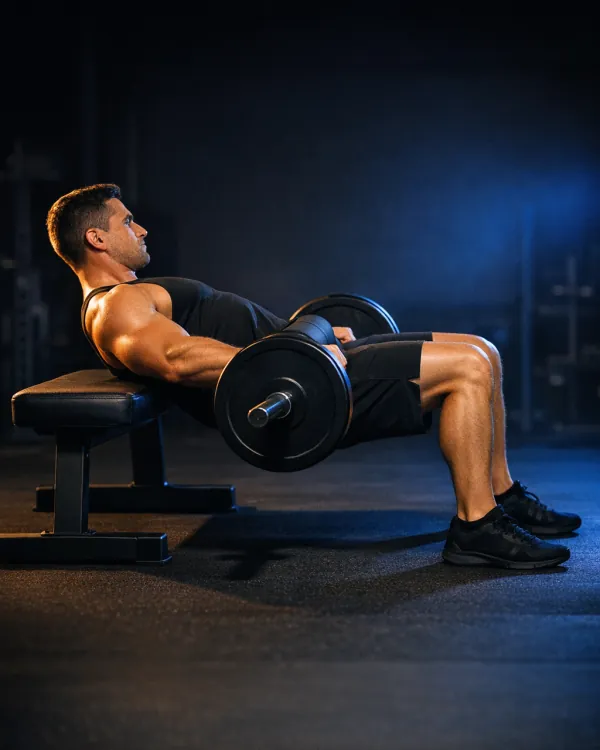
Find your starting weight
Enter a weight and your reps. Get your one rep max.
Reps above 10 make the estimate less accurate. Use a set of 3 to 8 reps for the best result.
Build a plan from this in the appWeights to train with
The app takes this number and sets your starting weights for every week of the plan.
Log a set in seconds
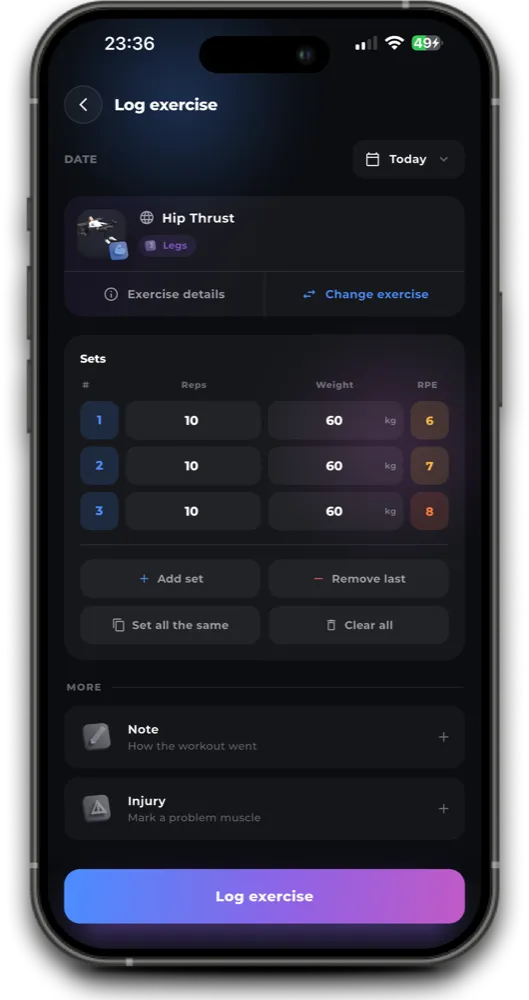
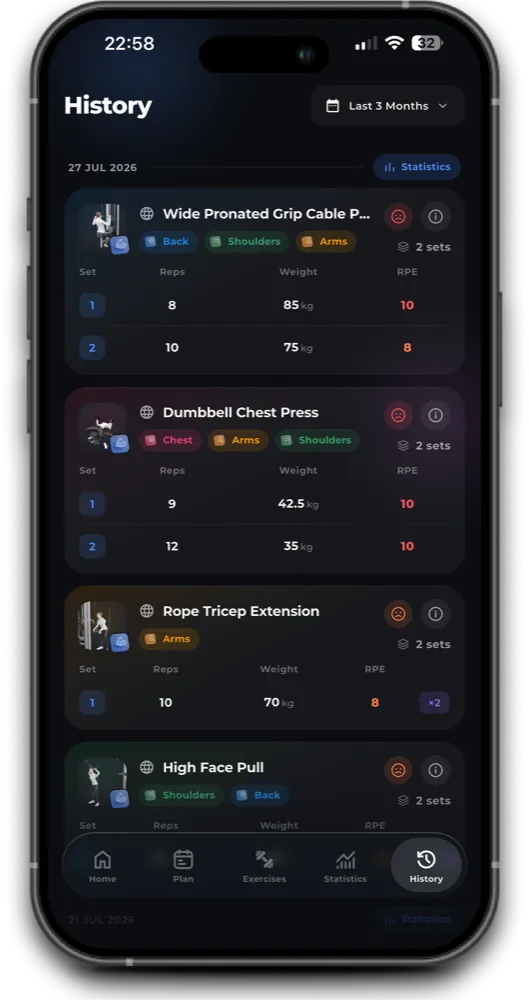
Tap a set, enter reps and weight. Your history builds itself.
Good to know
The workout app that shows every exercise from every angle
GymDroid is a gym workout app that also works at home. Watch each exercise from every angle before you lift, then use it as your workout tracker app: the sets you log shape the next session of your plan.
Workout plans: full body, glutes and legs, home dumbbell
Week 1 is on this page. The app continues the plan from week 2. Each workout plan shows every day, exercise, set, rep and rest, and the workout planner app builds the following weeks from what you log. Full Body Foundation suits beginners, Curves & Confidence builds glutes and legs on two of its three days, and Dumbbell Home Essentials needs only a pair of dumbbells.
Gym or home: workouts for both
Train at the gym with the plans above, or at home with no gym and no trainer next to you. Choose a bodyweight workout with no equipment, or a dumbbell workout if you own one pair of dumbbells. Each one takes 25 to 35 minutes and logs the same way as a gym session.
Exercises by muscle group
Pick a muscle group to find the best exercises for it, each with how to do it, the muscles worked, common mistakes and alternatives.
See every exercise from every angle
Turn the model and watch the lift from the front, the side and the top before you load the bar. Start with the four lifts that build most of your strength: hip thrust, squat, bench press and deadlift. Each page lists the steps, the muscles worked and the most common mistakes.
Workout plans that set your starting weights
You should not have to guess your first weight. Enter a weight you lifted and the reps you did to estimate your one rep max (1RM) with the Epley formula. GymDroid uses the same number to set the starting weights in every workout plan.
Log sets, reps and weight in seconds
Real screens from the workout tracker app. Tap a set, enter reps and weight, and your history builds itself, so you can see each lift go up week by week.
What is the best workout app for beginners?
One that shows you how each exercise is done and tells you what to lift next. In GymDroid you watch the move from every angle, then follow a beginner plan like Full Body Foundation.
What is the best app to track gym progress?
A workout tracker app that records every set and shows your history at a glance. GymDroid logs a set in seconds and shows each lift going up week by week.
What should I log in a workout tracker?
The exercise, the weight and the reps for every set. Add a note when the setup changes or something hurts. That is enough to see progress and choose your next weight.
Is there a workout app for women?
Yes. Every GymDroid plan works for women and men alike, and Curves & Confidence builds glutes and legs on two of its three days.
Can a workout app replace a personal trainer?
Not fully. A trainer watches your form in person. A workout app gives you the plan, shows the movement from every angle and keeps your progress, which covers most of what you need between sessions.

Get GymDroid on iPhone and Android
Read week 1 of a plan on this site, then keep going in the GymDroid workout app.

